It’s been an eon since I’ve had anything meaningful to talk about in the world of Open Source, so maybe it’s time to post about some nonsense I’ve been working on!
I have a love/hate relationship with progressive web apps. My job these days is in a corporate environment, and there are some things you can’t escape. Outlook. Teams. Other web-based applications. Be it Chrome or Firefox, there’s just so many things PWAs don’t do well. No persistent system tray icons. No break-away from the browser. Odd menu entries. What’s worse is that the PWA standard itself is limited in a lot of ways, and it really does feel like an afterthought by every browser vendor. Also, you can’t exactly get PWAs easily listed in app stores.
There’s Linux-y solutions. Electron-based apps. But those are an incredible time investment to maintain, and there’s about a dozen apps they don’t cover.
My C++ fu has atrophied, having been replaced with Java as my daily working language, and I haven’t kept up with KDE frameworks and Qt… But this itch was driving me crazy, and I just wanted to see some proof-of-concept that the entire situation could be just a little bit better!
Here’s the moronic idea: We split the difference between browser-based PWAs and hyper-tailored Electron apps. We just have… A pure “PWA Browser.”
So, this weekend I decided to give this “Vibe Coding” thing a try, see if this idea is viable. After hacking with Claude over the weekend, I did manage to get some decent results… So, see for yourself!
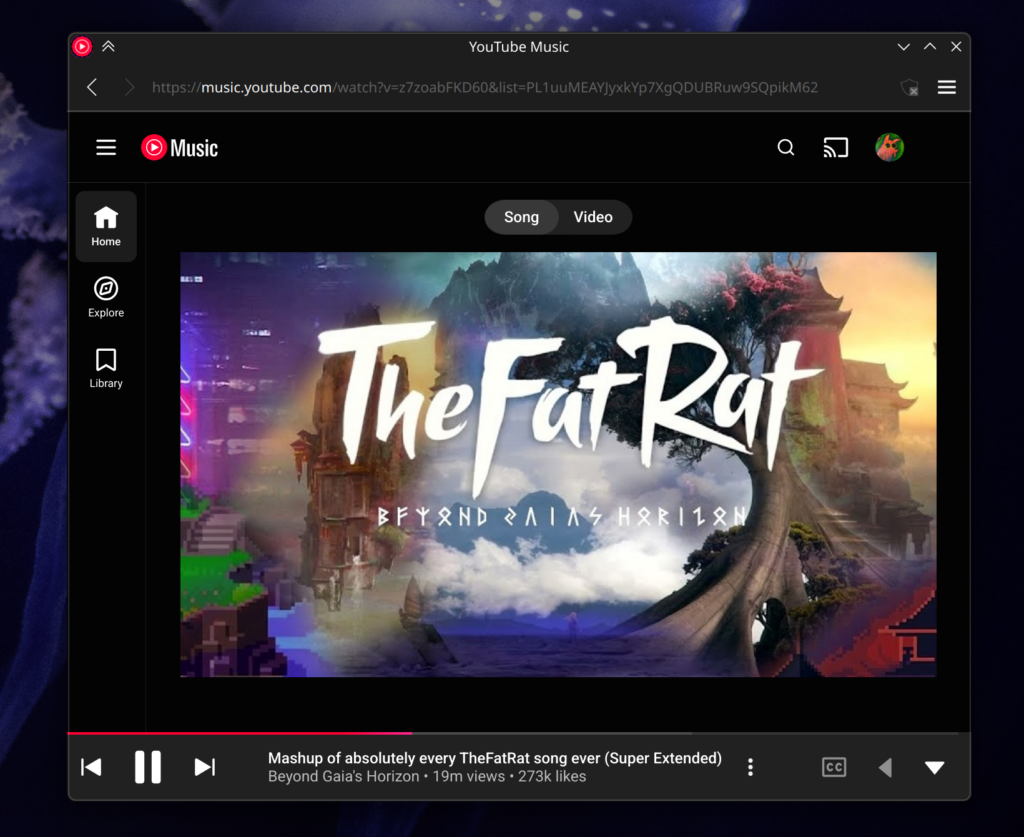
The result is something I’m calling “Strand Apps”, because if you can’t have the whole web, maybe you can have a Strand of it.

How does it work? “Strand Apps” are basically just .desktop files that live in your .local/share/strand-apps folder. These simple manifests gives you the basics like name, description, home location, a few safe links the app should trust, default permissions, and a couple behaviors… Like so!
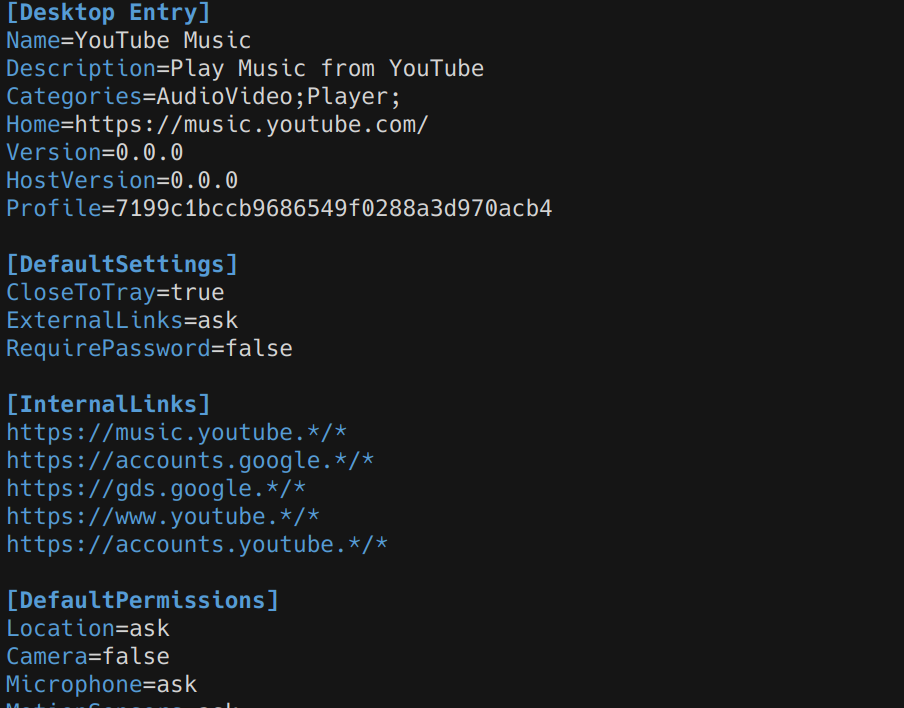
Ideally we simply define what would be “natural” for the application in a configuration file, and let the host provide exactly that. Would the app be persistent in the background? Sure. Turn on the tray icon. Does it need a toolbar? If not, turn it off. We get that “Near native” behavior, but without forcing people to maintain an entire electron container. Once we have that configuration then anyone with that config gets a top-tier experience.
The first time you launch a strand, you’ll get onboarded for that app. Pictures below is the Outlook 365 Strand…
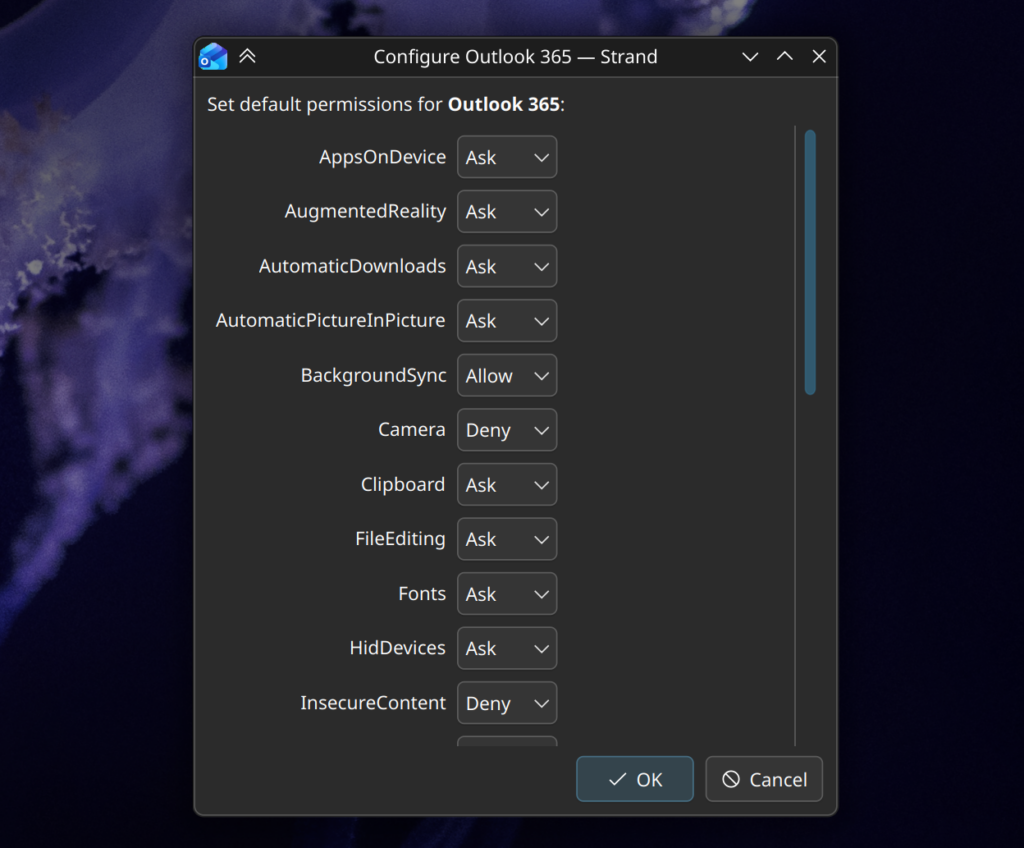
It’s not pretty, but for now it lets you see what the app wants, and you can choose what you give it. There’s a lot to do with this to improve the onboarding experience, but it’s a start. Before I even get into it – no, basically none of these do anything. Don’t read too much into it, I just looked at what Chrome gives PWAs and ripped off that list.
Another thing on my todos is having it create launcher .desktop files in the menu as an option in the onboarding window. I have the ingredients there, just haven’t put em’ together.
That’s not to say it’s all wall-dressing. The applications each run in their own little silos, unable to read or see what the others are doing, the host system separating their browser persistence completely. I can be signed into an alternate Google account for my Gmail strand, and my main account on my YouTube strand. Each application can also manage its cache and storage separately, kinda like Android apps.
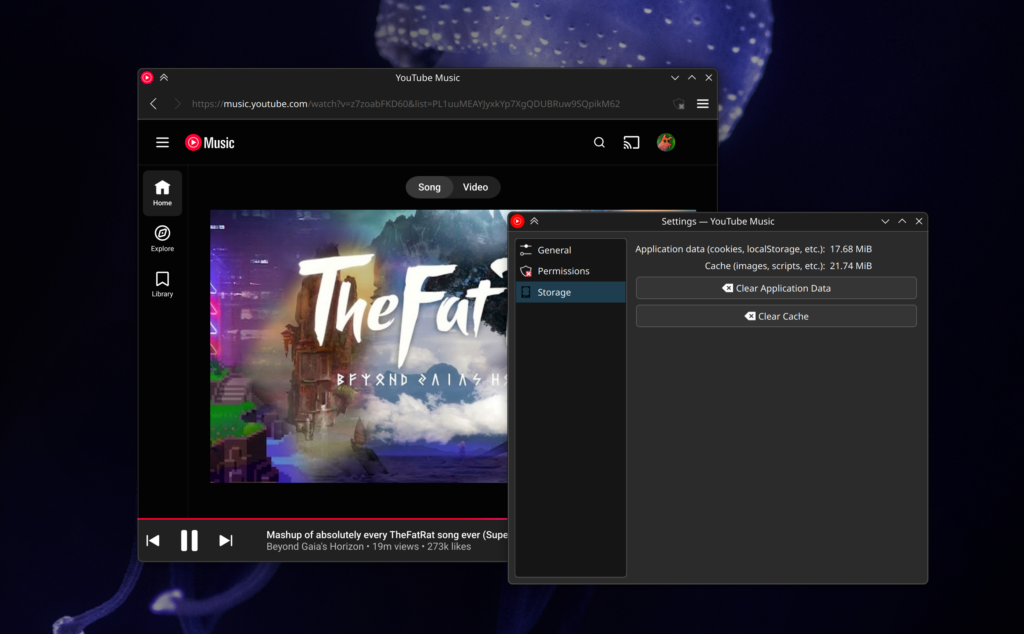
Apps using this don’t share settings. If you need to tweak one strand app, you don’t need to commit everywhere. This was a major problem I had with traditional PWAs, because I explicitly needed to disable hardware acceleration on one app (can’t remember why), but everything followed the parent Chrome installation. I remember I had Chromium installed just for that one specific PWA.
One of the key motivations I had was something small – tray icons and background persistence. Question: How do you get a fully functional Outlook app on Linux? I’m sure someone has a solution, but I never found a satisfactory one myself. Ultimately, I had a webview widget in my system tray purely for the icon and persistence, and a Chrome PWA for an actual app window that wasn’t locked to the corner of my screen. I’d use both interchangeably, but I was always annoyed by the solution – and resource usage.
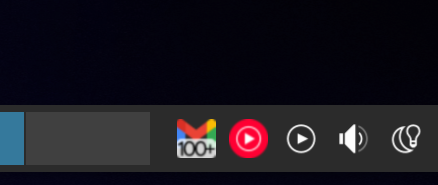
This fixes that problem. That manifest snippet you saw has a “CloseToTray” value. Tells the app that it’s goanna persist. It does. These are the sorts of integration features I’m focused on. Here’s Gmail showing its proper indicator count in the tray:
Beyond the tray, I’ll be thinking about what other behavior settings an app might have, such as the config that removes the toolbar for “safe” apps, or for apps to specify if they’re single-window or multi-window by nature. What I really want is a solution where you can easily distribute apps that behave “as you expect”, and not like something with one foot in the browser.
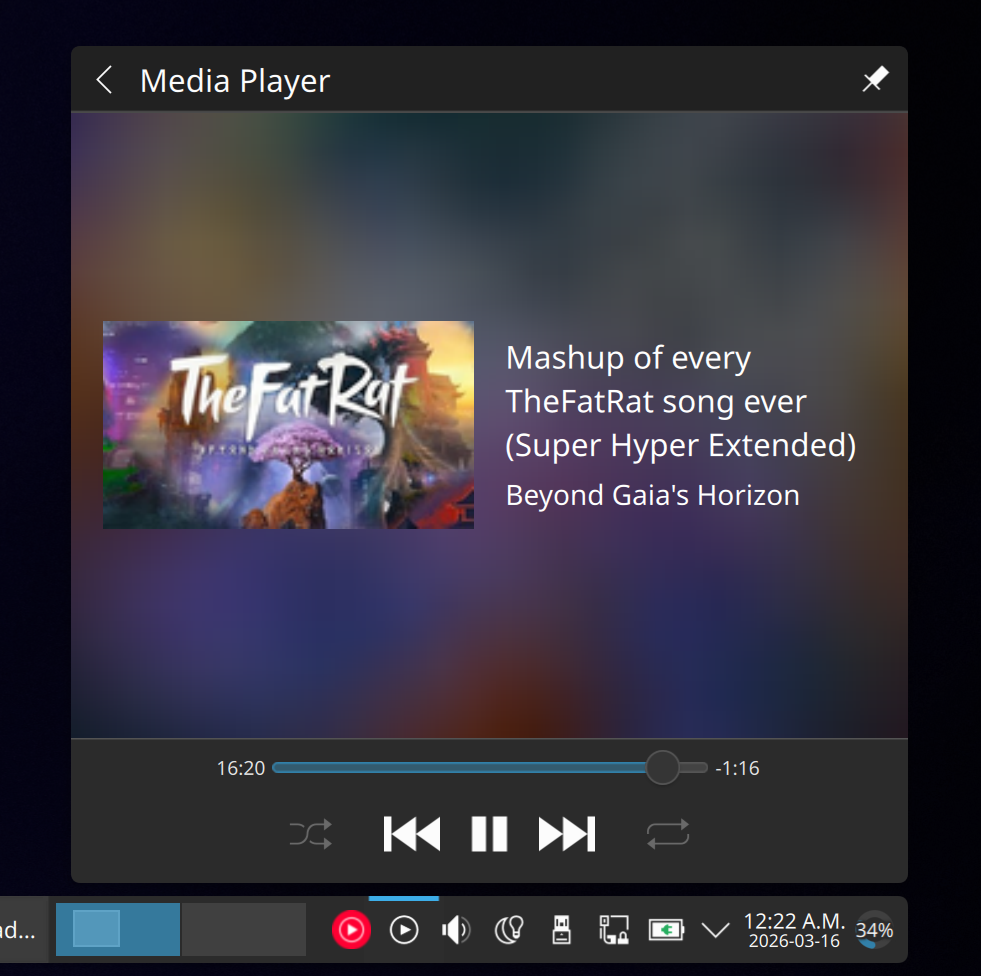
Speaking of the tray… MPRIS works. Interestingly, navigation was borked in Chrome proper but somehow it “just works” with the strand. I didn’t even mean for that to happen.
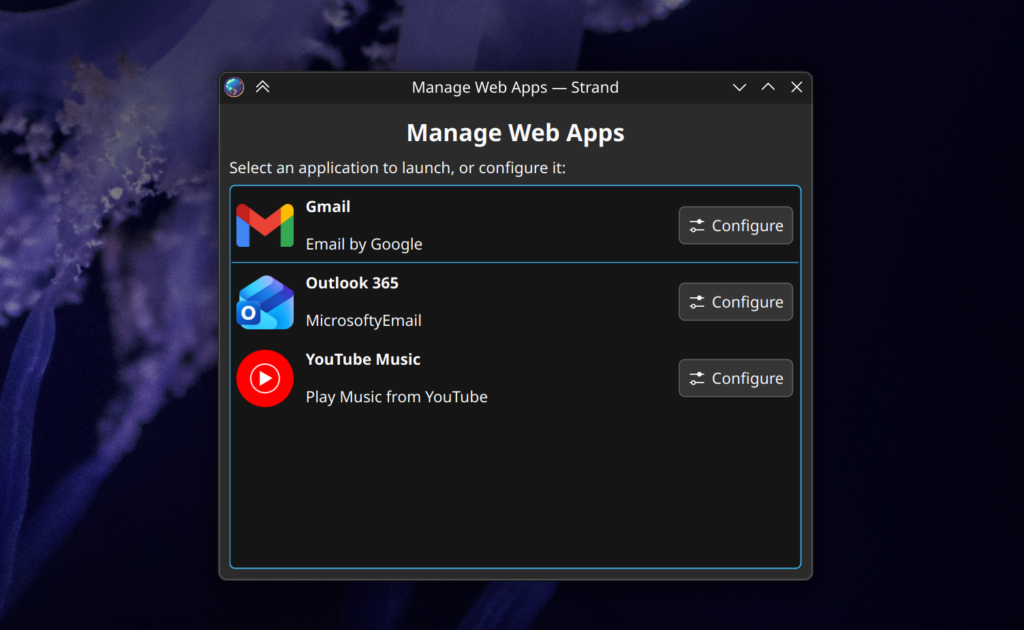
Right now I have 3 Strand Apps; Gmail, Outlook, and YouTube Music. If I launch Strand without specifying a profile, it’s kind enough to give me a basic list of my installed apps. It also lets you launch the config for them before running, so if you break a web application profile you can recover. E.g. something has freaky WebGL that crashes the renderer.
The code is QT/KDE Frameworks. I didn’t wind up using Kirigami, ideally these apps won’t have much interface to them anyway, and I also wanted to use the fastest path from launch-to-application.
So… Perfect, right!?! NOTHING wrong with this setup? Push it up tomorrow?
This is where I get real about AI. Claude is pretty good, but it’s still an amateur chef in a professional kitchen. Even by my substandard C++ skills it’s apparent. At best I’d describe this work as wonderful scaffolding, but it’s still in need of a serious audit. I caught no less than 3 significant security risks it tried to give me, and it needs serious organization at minimum. Progress-wise none of the permissions are hooked up, and I want to dive into the PWA spec “proper” because I basically ignored it, and it might be able to streamline things. There’s also a lot of UX work to be done.
Beyond even that, there’s also the core design. The .desktop manifest format I designed is built around the concept that someone will make a bespoke configuration file for every app worth having. This has the strength that a properly configured strand will be a stellar out-of-box experience, and with YouTube Music as my dog food it almost feels nicer than the Electron version… But how do we distribute these weird files? Does someone even want to distribute them? Is my silly little experiment giving people reading this headaches because infrastructure and distribution is always the bigger problem? Who makes them? Is my flagrant disregard of the .desktop file spec going to cause problems? Should I brace myself for the lynching that using AI has earned me? No matter what, the one thing I know is that, somehow, these can be distributed.
This is something I’m going to futz with for a while. I figure I’ll do a serious code review next weekend, maybe re-org it, then get it into a git repo somewhere when I’m satisfied it won’t eat anyone’s cat.